Learn to DJ, one move at a time.
The screen above the decks is our own software. It shows you exactly which control to touch, waits while you do it, then moves you on. No manual, no tutor, no guesswork.
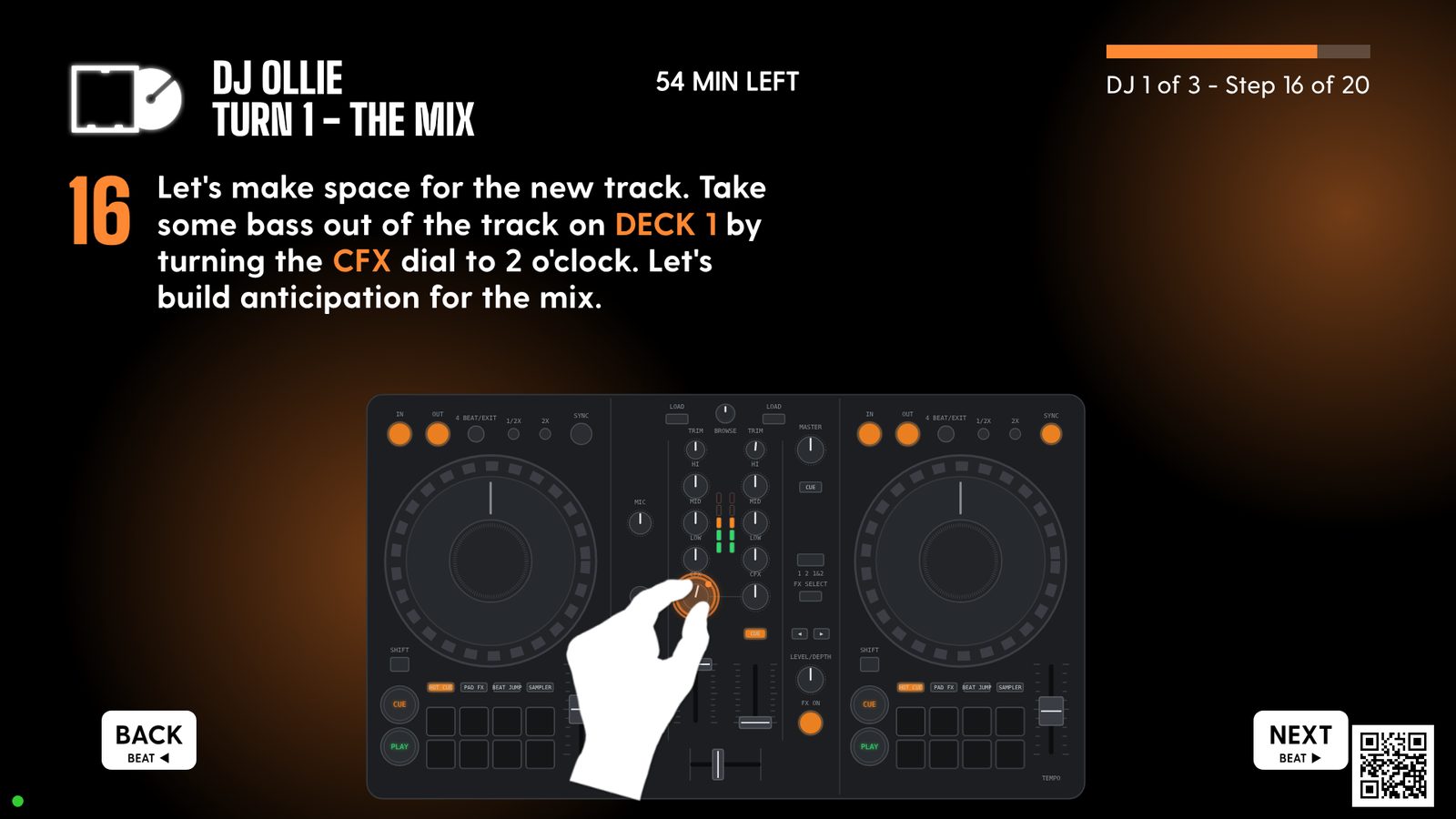
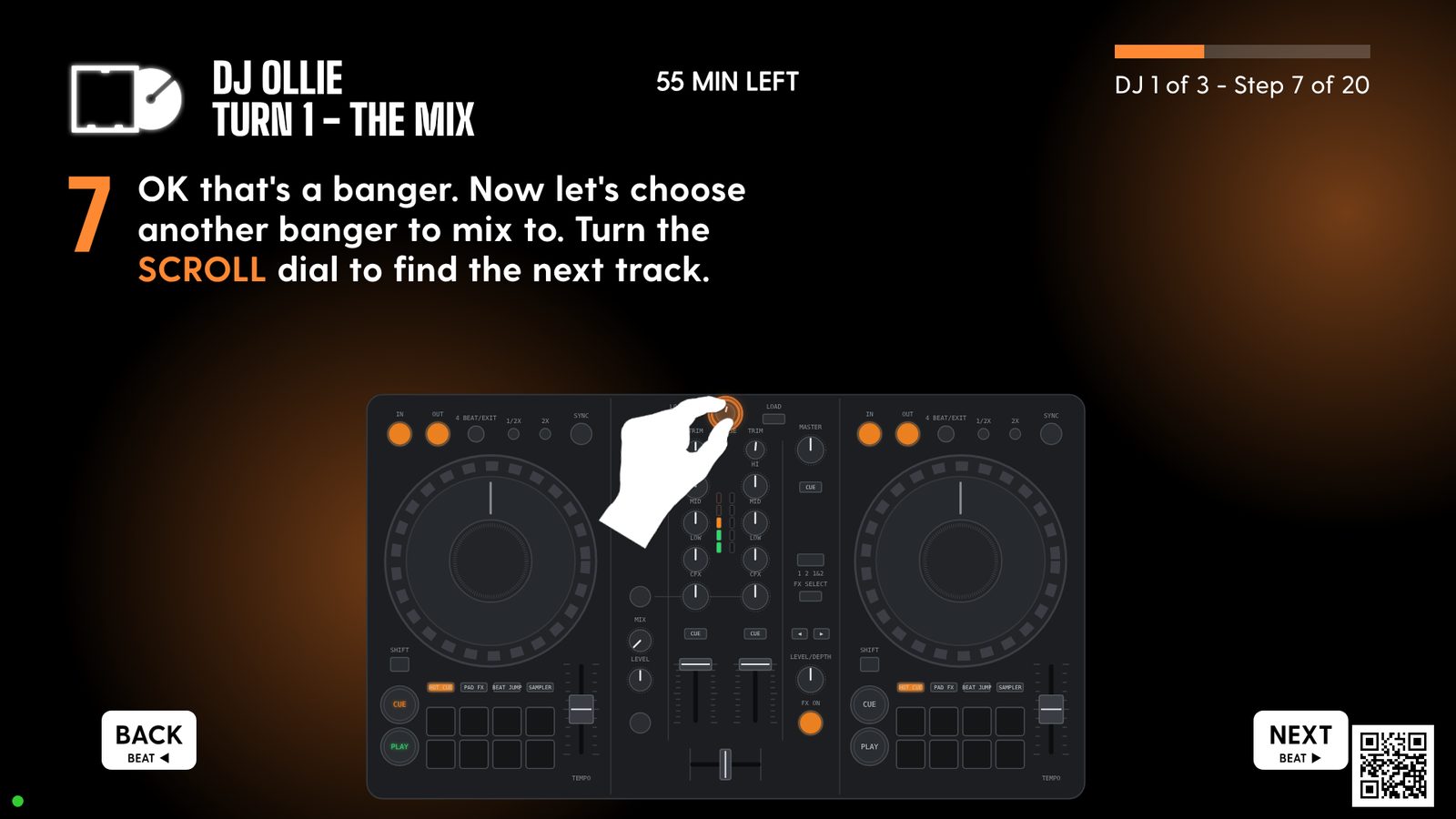
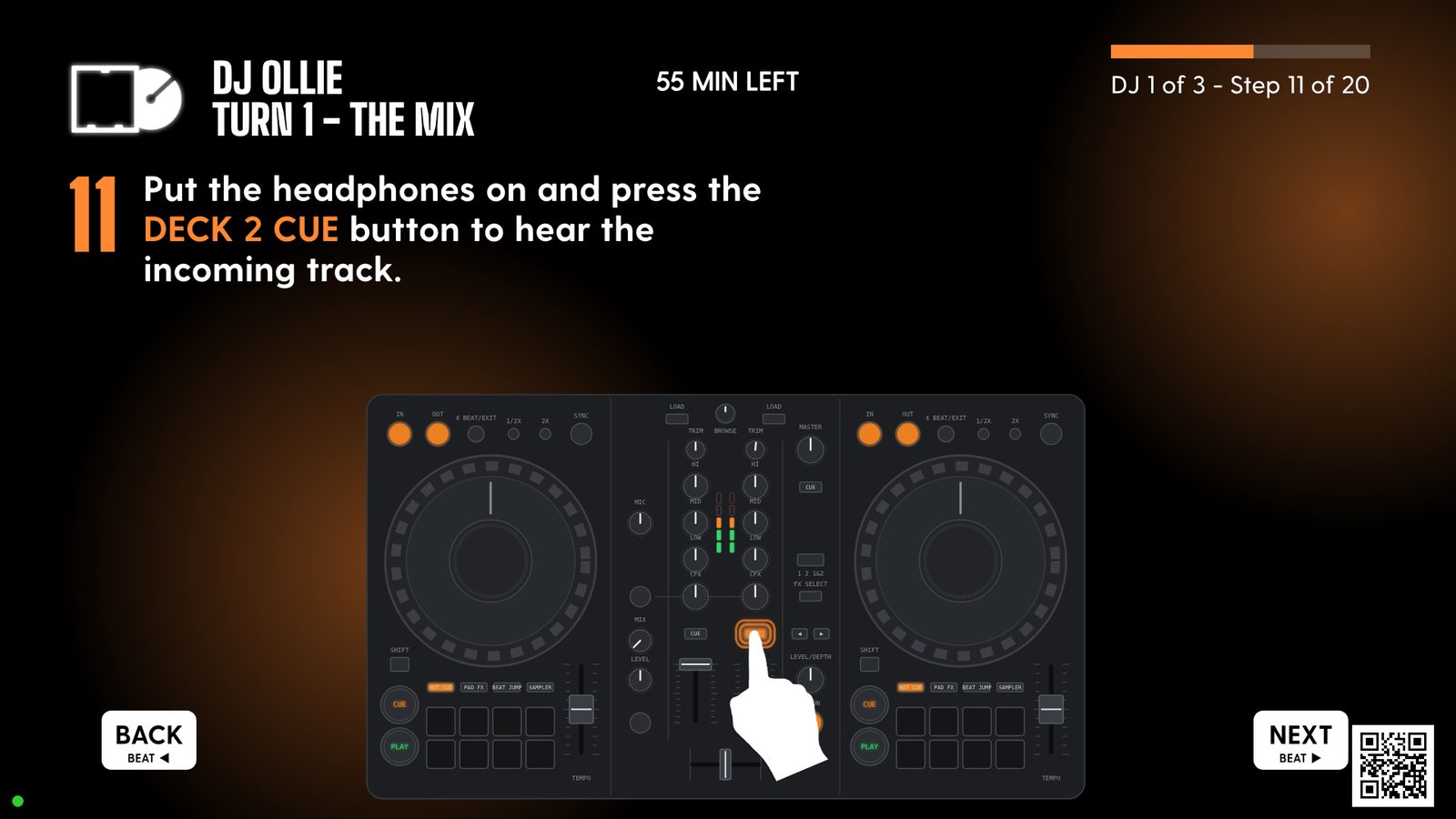
It shows you. You do it.
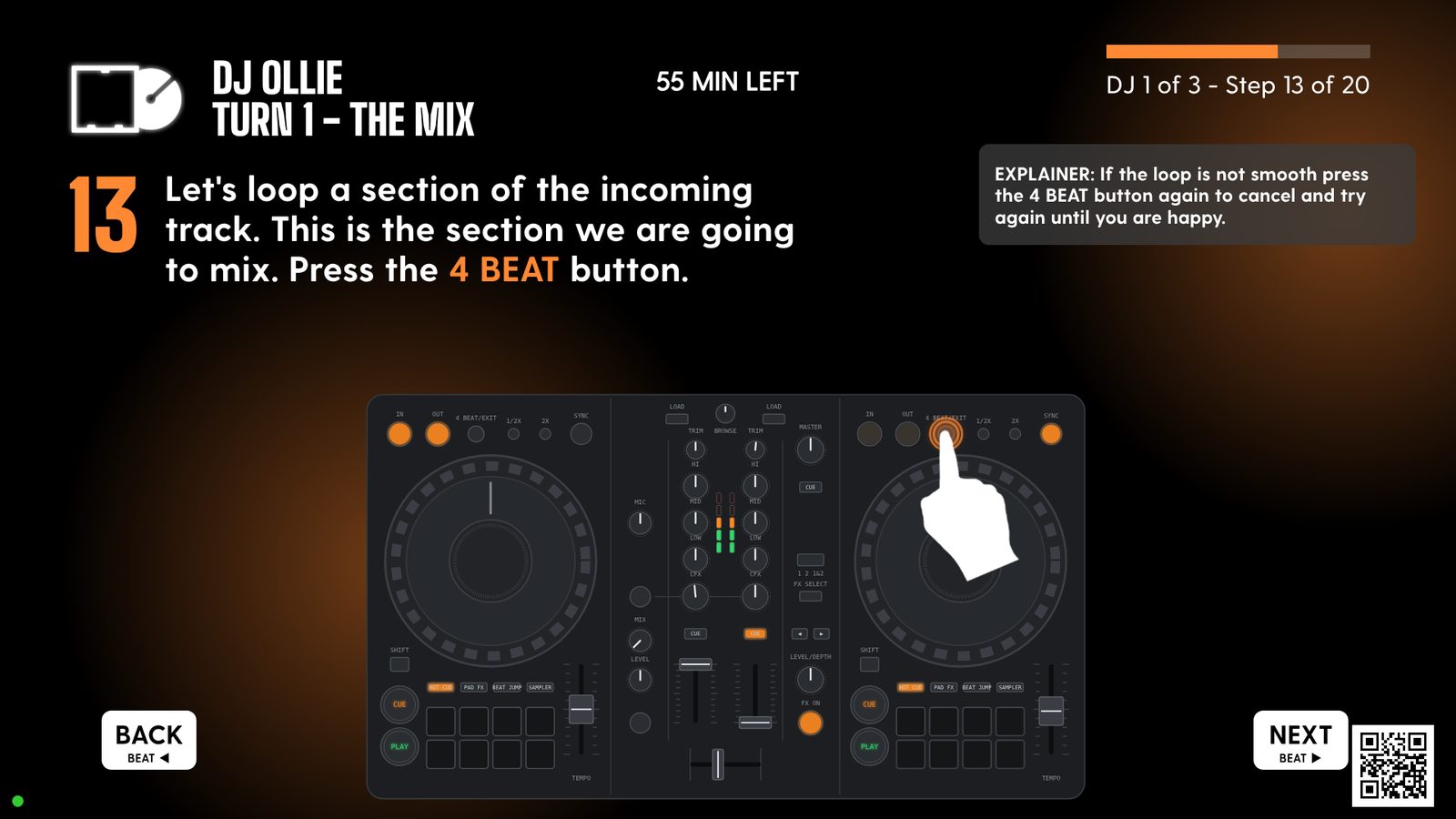
Real screens from the booth. Every step is one short instruction and an animated hand on a drawn controller, so you always know where to look.
Find your way round
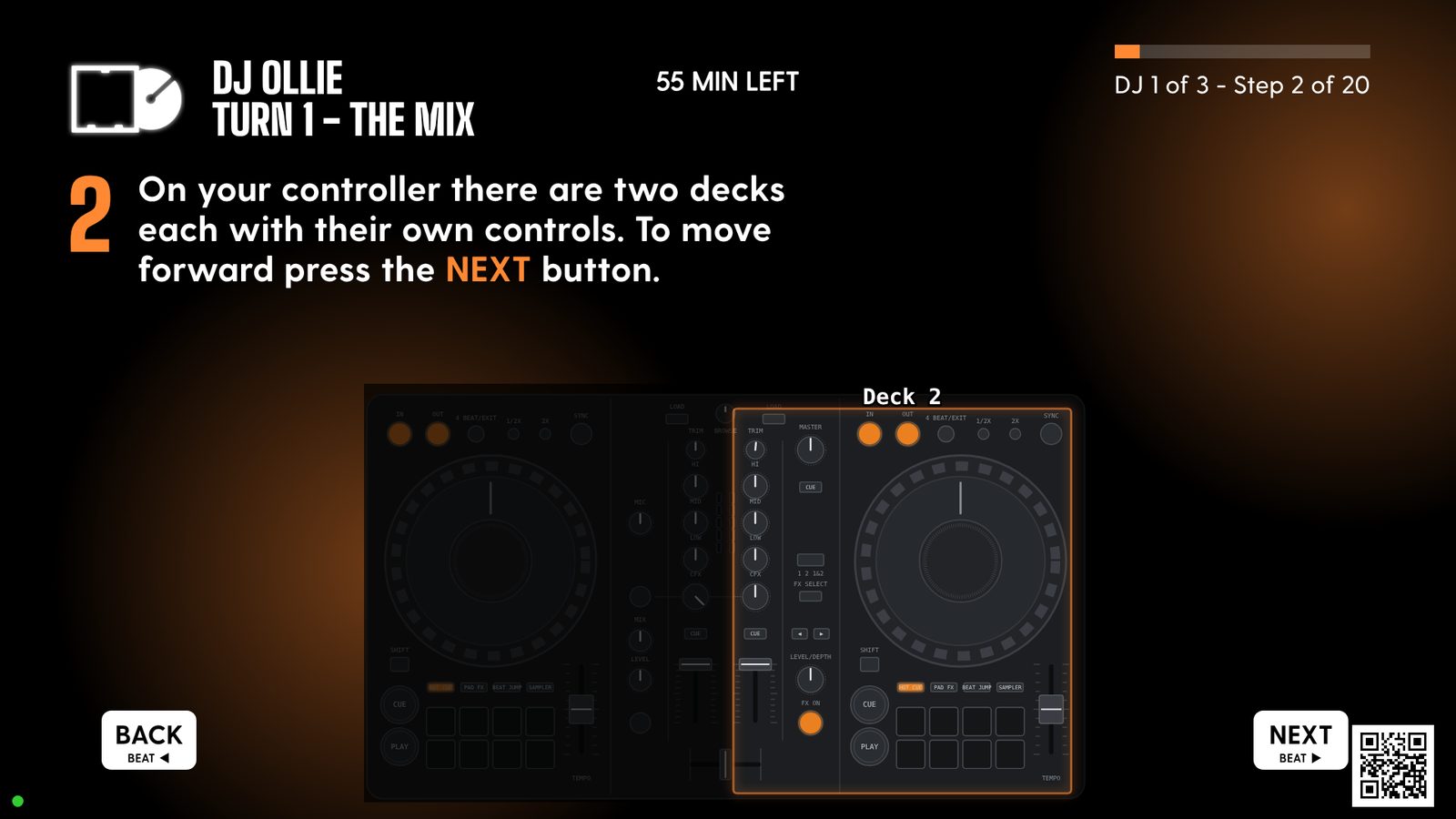
First it walks you round the controller: two decks, each with its own controls, lit up one at a time.
Hands show the move
Press, hold, turn or slide. The hand does exactly what yours needs to do, and the control moves with it.
Lights like the real thing
Buttons glow and flash on screen just as they do on the decks in front of you, so you can match one to the other.
Tips when you need them
Small explainers pop up at the tricky moments: what to do if the loop sounds off, how to try again.
Not a video. A teacher.
It listens to the decks
It reads every press, turn and slide, and only moves on once you've done the move.
Drawn, not filmed
Animated lessons are quick to make, and restyle themselves in any brand's colours.
Made for groups
Everyone gets a turn, with scores and set lists on each player's phone.
From first mix to pro tips.
- 01Beginner
Your first mix
Play, cue, crossfade
- 02Beginner
In time
Sync, tempo, nudging
- 03Intermediate
Smooth blends
Bass swaps, filters, phrasing
- 04Intermediate
The selector
Energy, key, reading a room
- 05Advanced
Loops, drops and FX
Loops, hot cues, beat FX
- 06Pro
Pro tips
Double drops, cuts, your own set
Rapidly growing archiveNew lessons are added all the time.
The spec.
Built in-house, running in the booth today.
- Reads the controllerEvery press, turn and slide on every control, live over MIDI.
- Moves on when you doA step only completes once the move is made. Close enough counts on knobs and faders, and presses in the wrong order are ignored, not punished.
- Real DJ movesUp to four stages in order, two-handed moves, and holding one control while turning another.
- Follows the roomKnows which deck the crowd is hearing and mirrors the lesson to match.
- Decks onlyNo mouse, keyboard or touchscreen. The BEAT buttons are Back and Next.
- Live lesson updatesStaff edit lessons from a phone. The screen picks them up within a second, no restart.
- Any brand's lookColours, fonts and logo per client. The animations recolour themselves.
- Phones in the loopScan in by QR, see whose turn it is, score the mixes, take home the set list.
- Standard kitRuns on a laptop beside Rekordbox, with an off-the-shelf DJ controller and a screen.
- Session recordsEvery session logs the turns completed and the steps people skipped, so the lessons keep getting better.
Endlessly scalable. Here's where it goes.
The booth is just the start. Because the software is ours, it can go wherever there's a controller.
The full syllabus at home
Download MixClub, plug in your controller and work through every level at your own pace.
B2B house parties
Turn the living room into the booth. Take turns on the decks, and the room votes on every set from their phones.
Audience requests
Guests scan the QR code and send in requests, so whoever's on the decks knows exactly what will get a reaction.
Keep learning between visits
Pick up online where you left off in the booth, track your level and come back better.

- A classic house anthem▲ 6
- Something with a big drop▲ 4
- Garage throwback▲ 2
and request